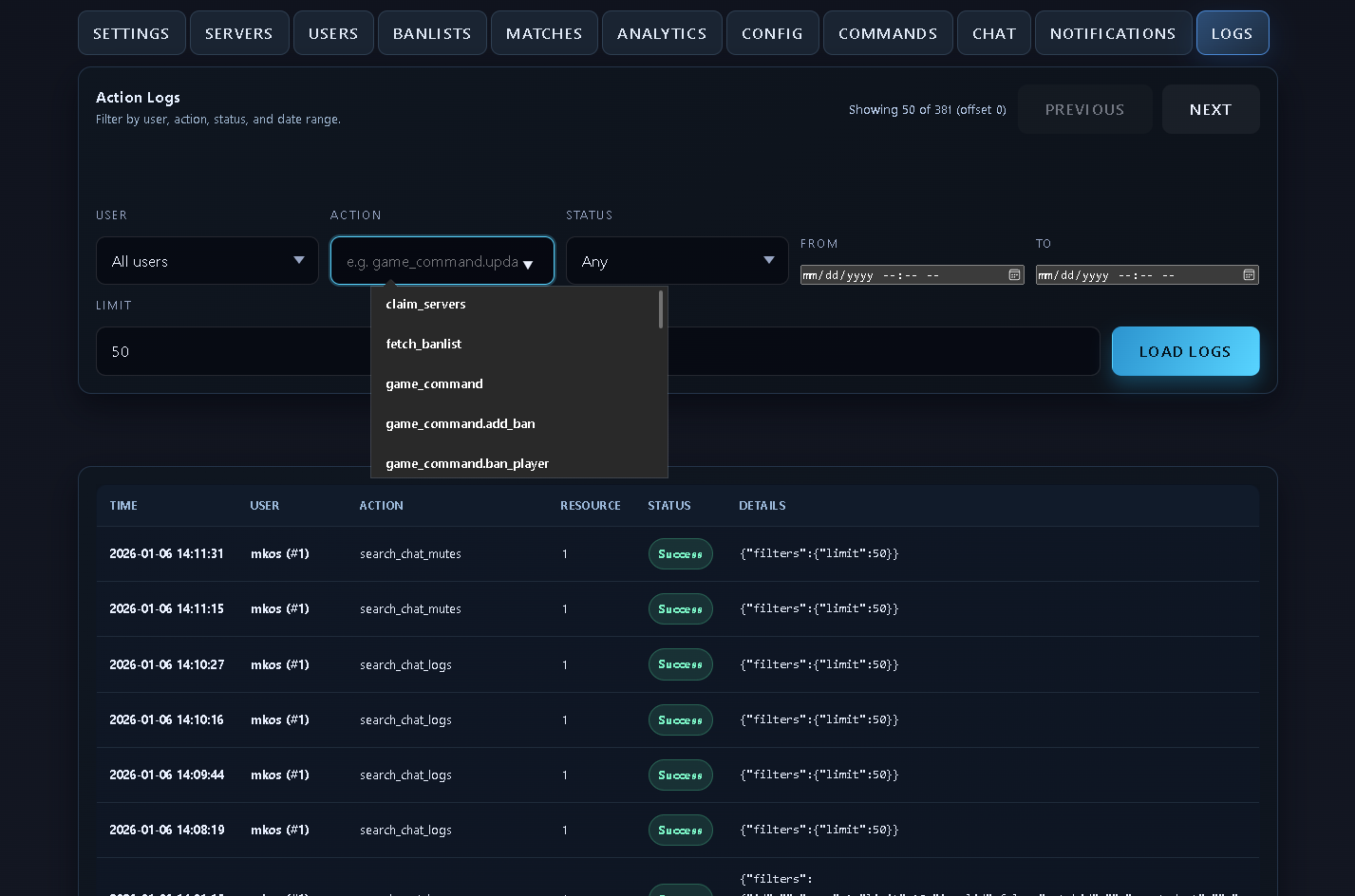
Host Control Panel
The Control Panel is the hub for configuring and operating verified hosts. Tabs appear only when you have permission for them; each tab enforces its own access check. Tracker settings once edited in playlists now live here—download/applyr5rdev_config.json from the Config tab instead.
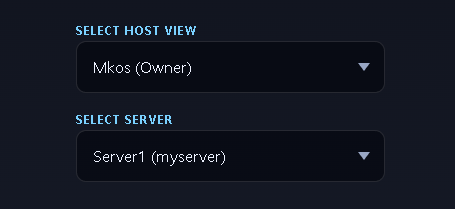
Host view selection
At the top-right of the host control panel, you can select the host to switch to ( as you may be a moderator of multiple hosts ), and the server under that host your actions target. Several actions in the control panel also havesync to all servers options for replicating commands.
Tabs at a Glance
Settings
Host title/description, API key view/regenerate, and host selector. Owners see everything; moderators only see tabs granted to them.\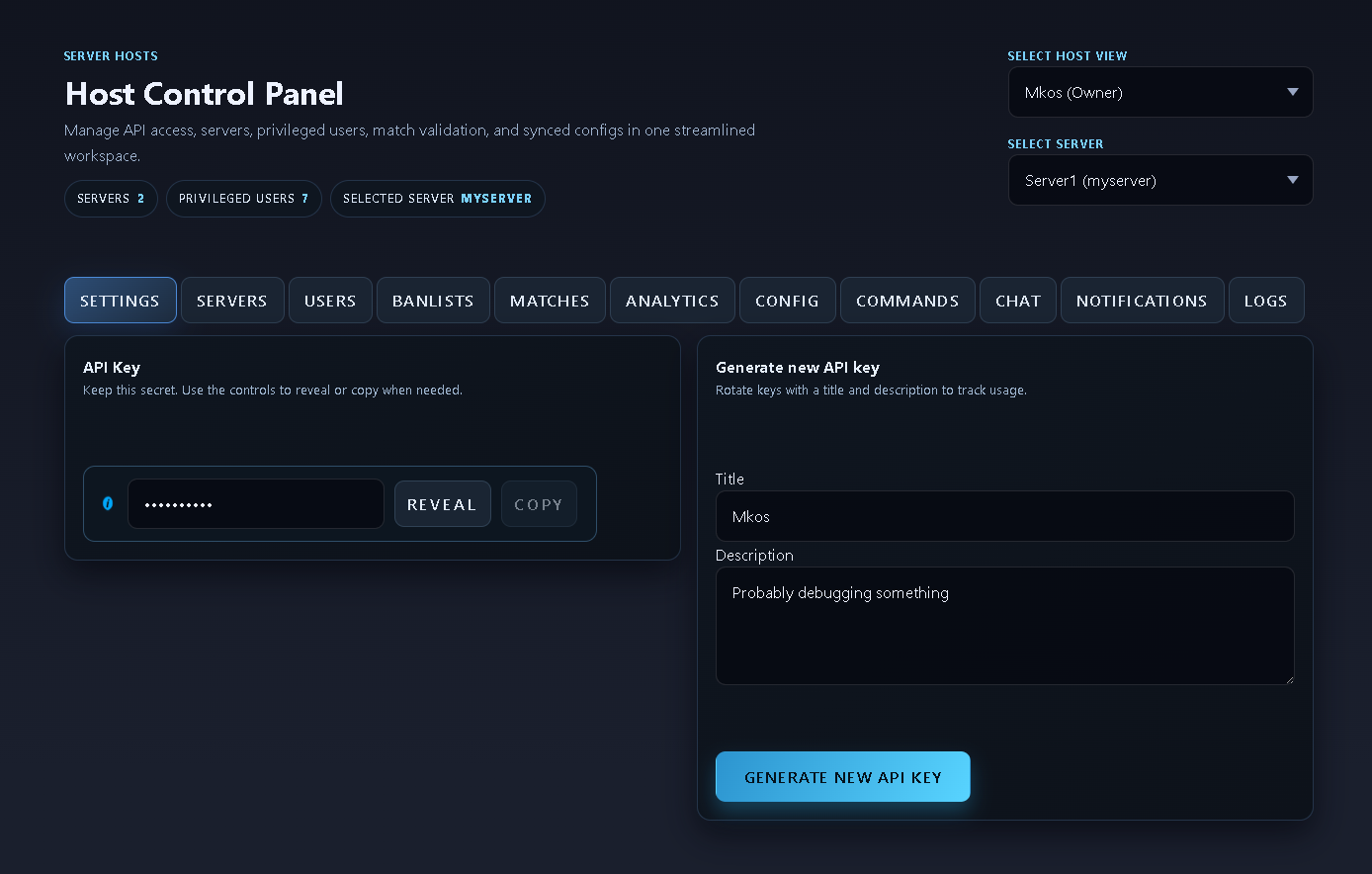
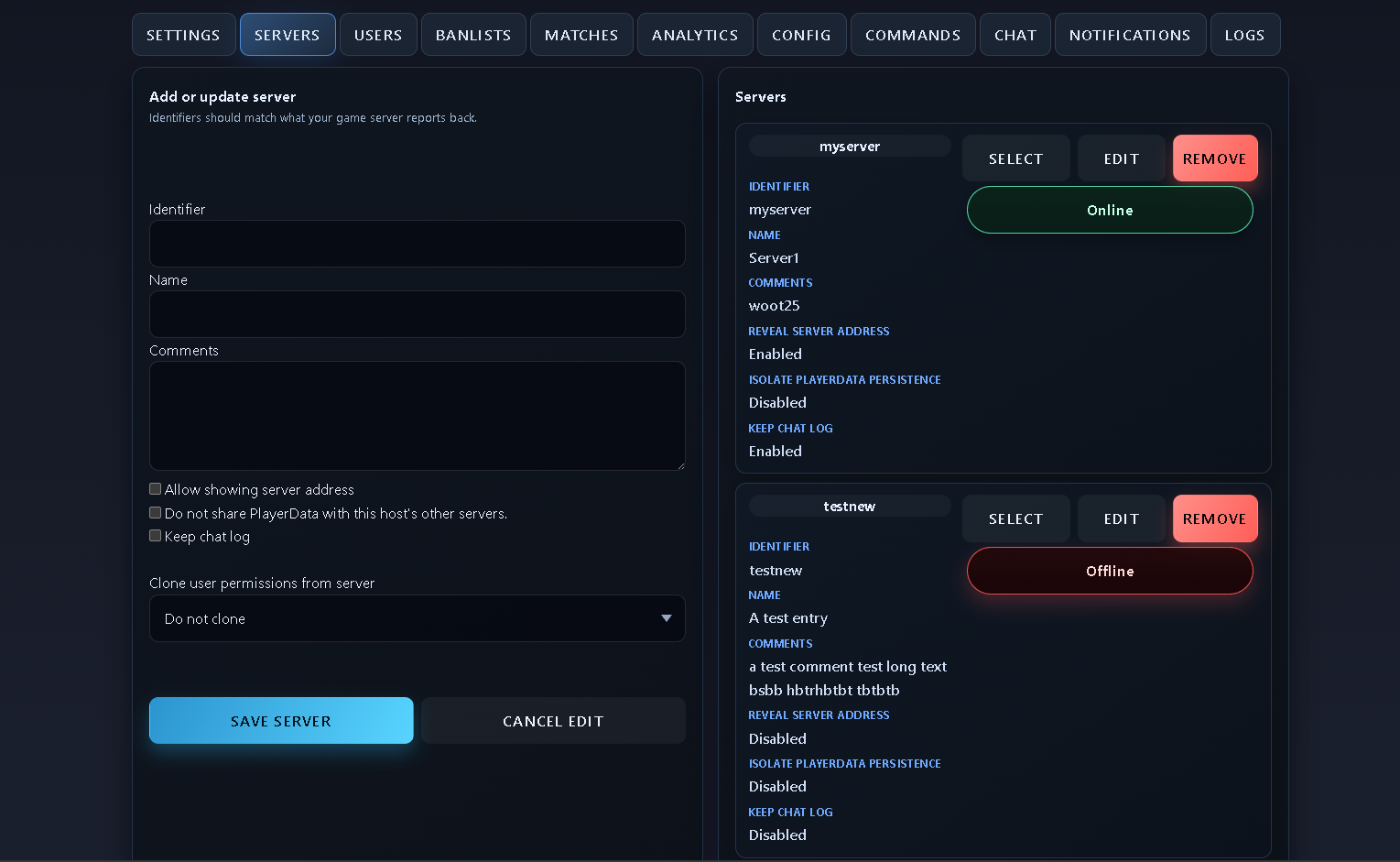
Servers
Manage each registered server’s status and settings. You can edit per-server options, including:- Allow showing server address: expose the address in UI.
- Do not share PlayerData with this host’s other servers: isolate player data for this server.
- Keep chat log: persist chat for later viewing (required for Chat tab history).
Users
Add/remove privileged users and grant granular permissions (e.g.,view_banlists, cmd_kick_player). Invites require the user to allow discoverability in Account Settings.
After giving a user privileges who did not have any, they will receive a real-time notification that they now have access to your host control panel.
Users will only see tabs that they have view_ permissions for. Additionally, actions within them will be scoped to permissions.
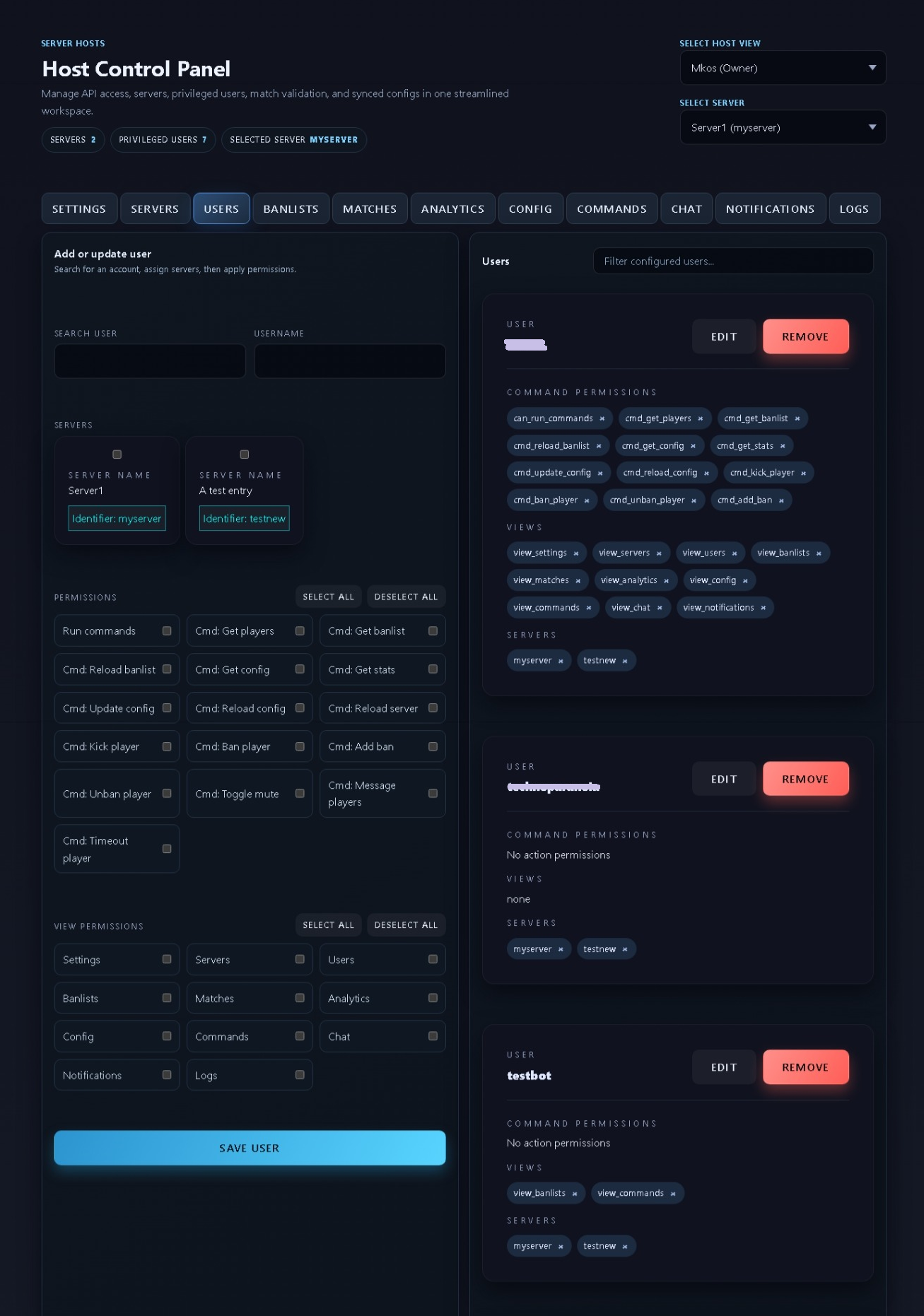
If a user’s ea account is connected to the website, their ea account uid will be displayed next to their name. Otherwise, use the Tracker discord api to fetch it if needed.
Banlists
View, add, and remove bans. Syncs live over WebSockets when enabled.\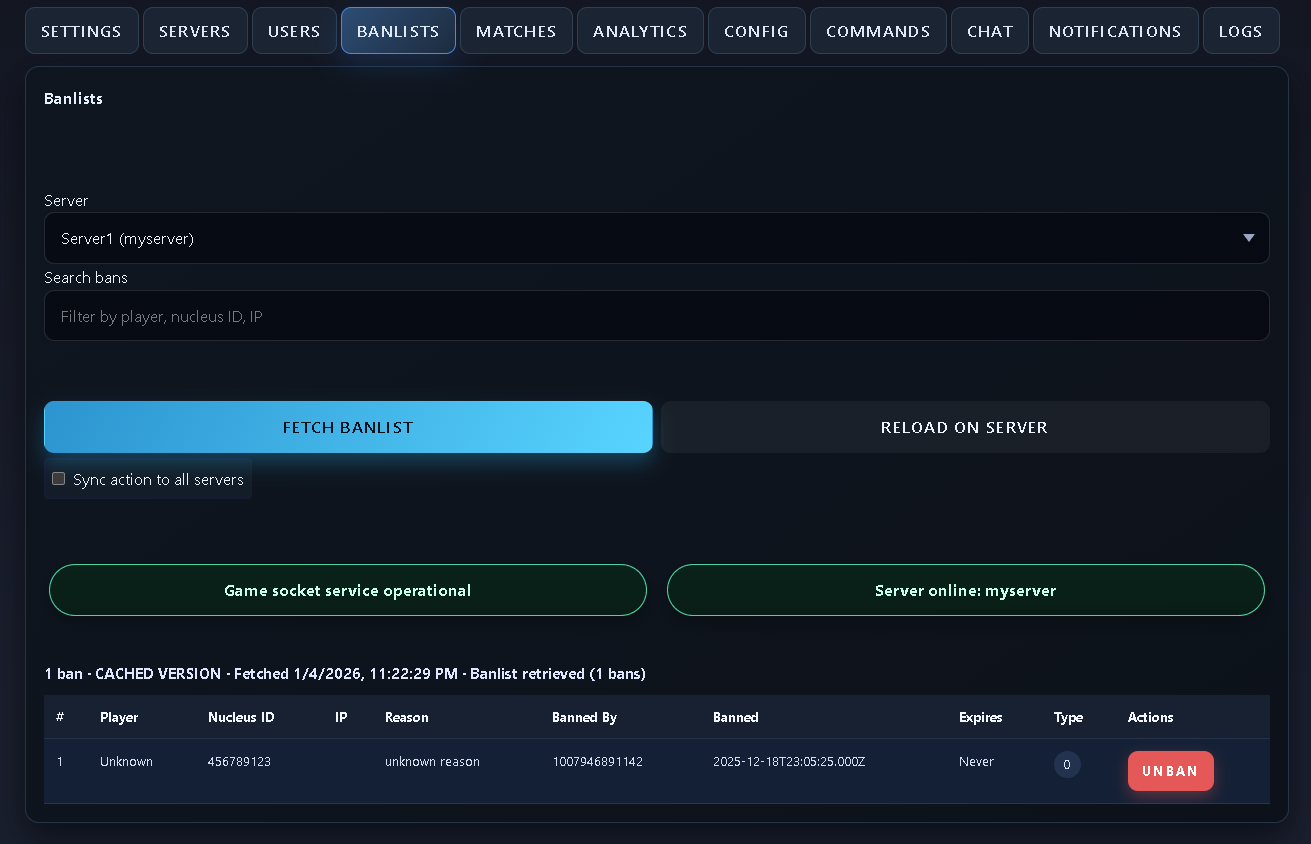
When the page is loaded, it always loads the cached version of the banlist. Fetching will pull the live in-memory banlist from the server you have selected.
Matches
Monitor live matches (where available) and review history for your servers.\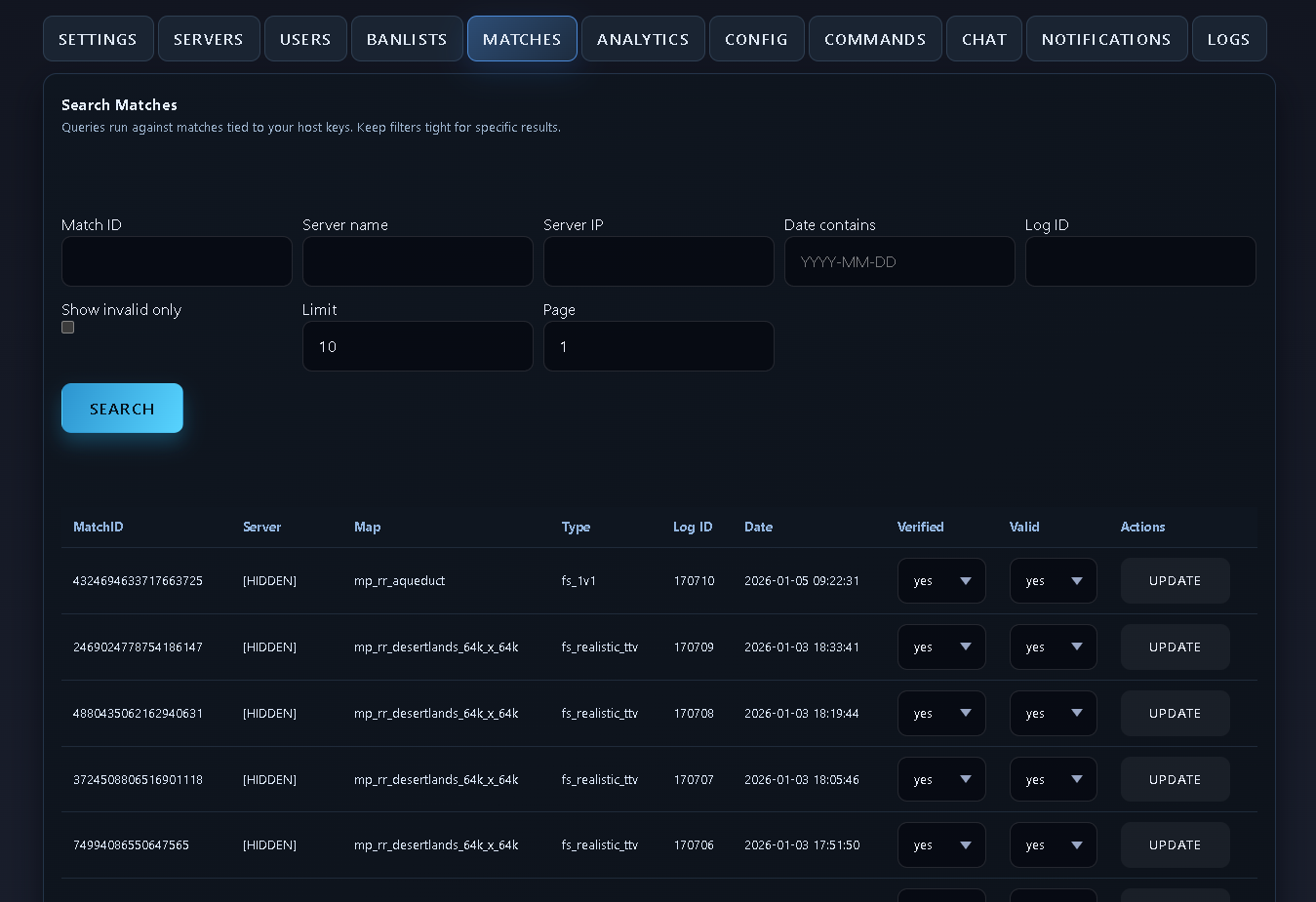
Analytics
Host-level charts and summaries.\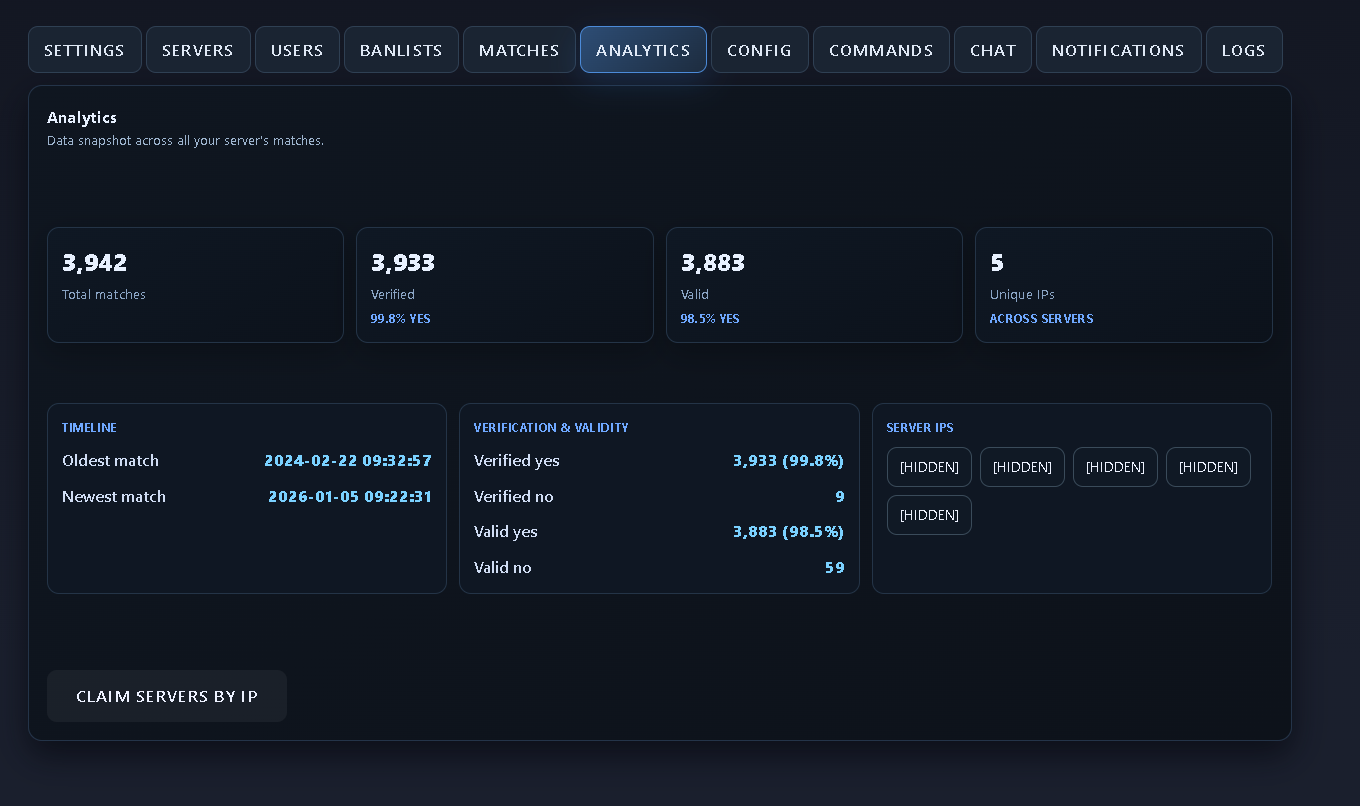
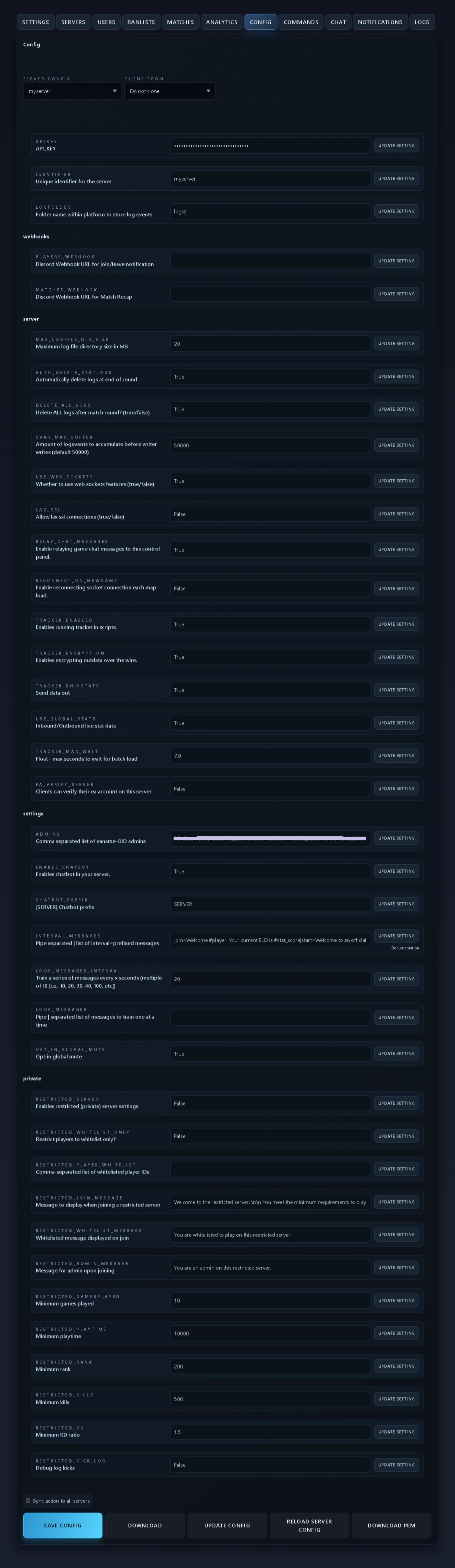
Config
- Build/download
r5rdev_config.json(API key, identifier, webhooks, server/settings/private, restricted gates). - Use Update Config to push remotely when
tracker_ws_enable=1orUSE_WEB_SOCKETS=true(config JSON). - Sectigo CA bundle download is available here for strict SSL.
Pushing config to the server and clicking ‘Update Config’ will apply ‘settings’ and ‘restricted’ categories immediately without having to reload the map.
It is recommended to use the ui form of managing config in the Config tab
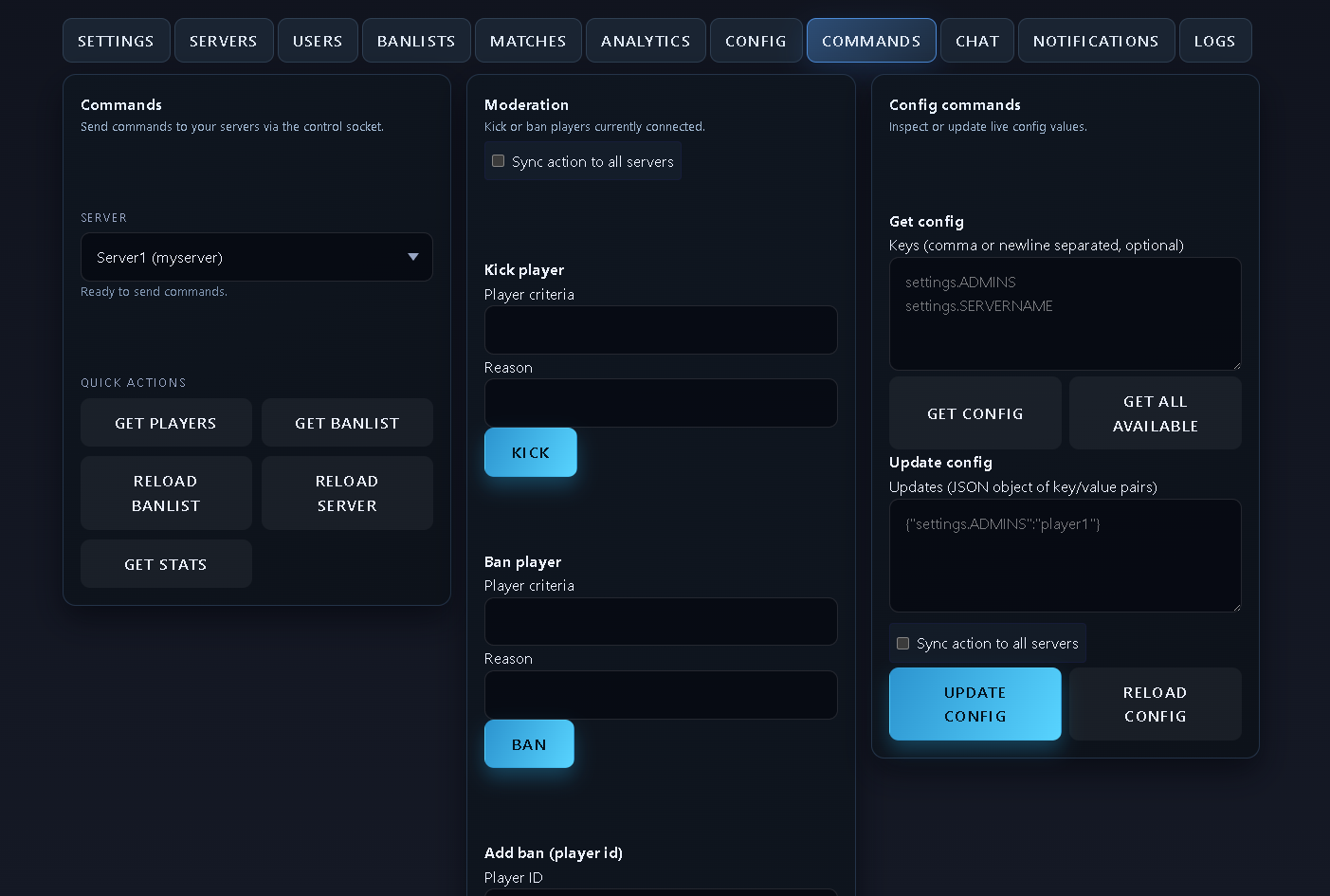
Commands
Web UI for moderation commands (kick/ban/map change, config reload, etc ).Giving users permissions to get and set config should be done cautiously, as it can reveal your api key, and allow users to change admins on the server.
Chat
Watch live chat and view the chat log. RequiresRELAY_CHAT_MESSAGES enabled on the server and Keep chat log enabled in the Servers tab. WebSockets must be on for live streaming. You can also send a message to a specific player or all players. The message will appear as [ADMIN: ]:
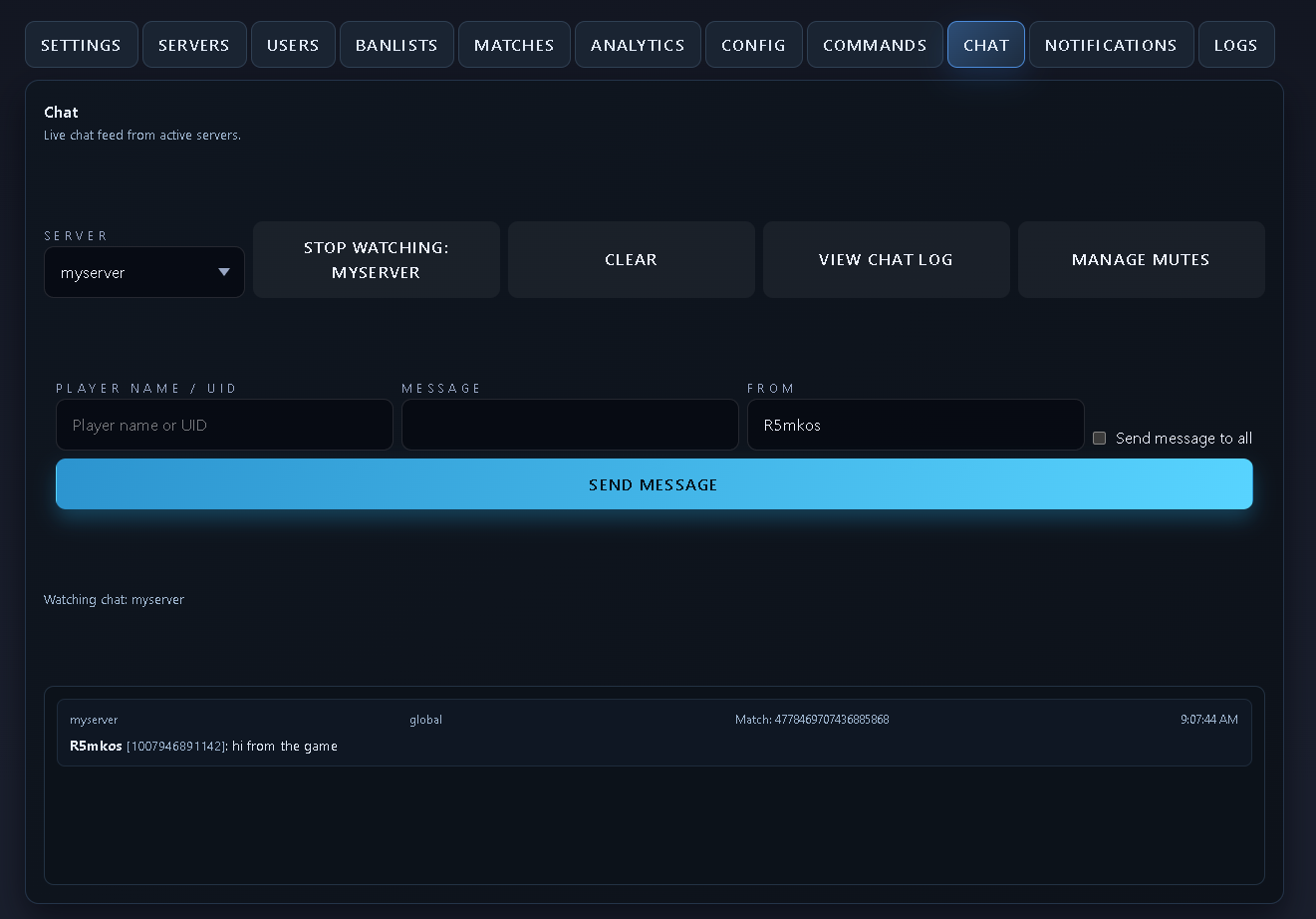
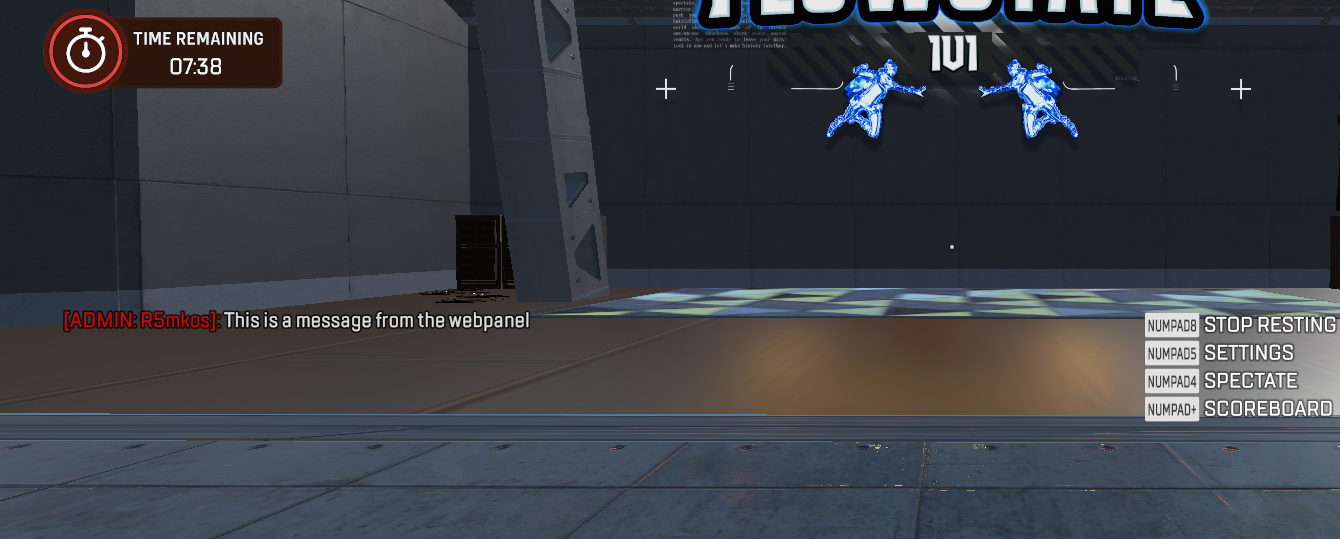
You cannot change the name that the message is sent as from the web panel — it uses the logged in user’s ea account id, or if not connected, the r5r.dev account name.
Notifications
Send real-time notifications to all website users who follow the host user.\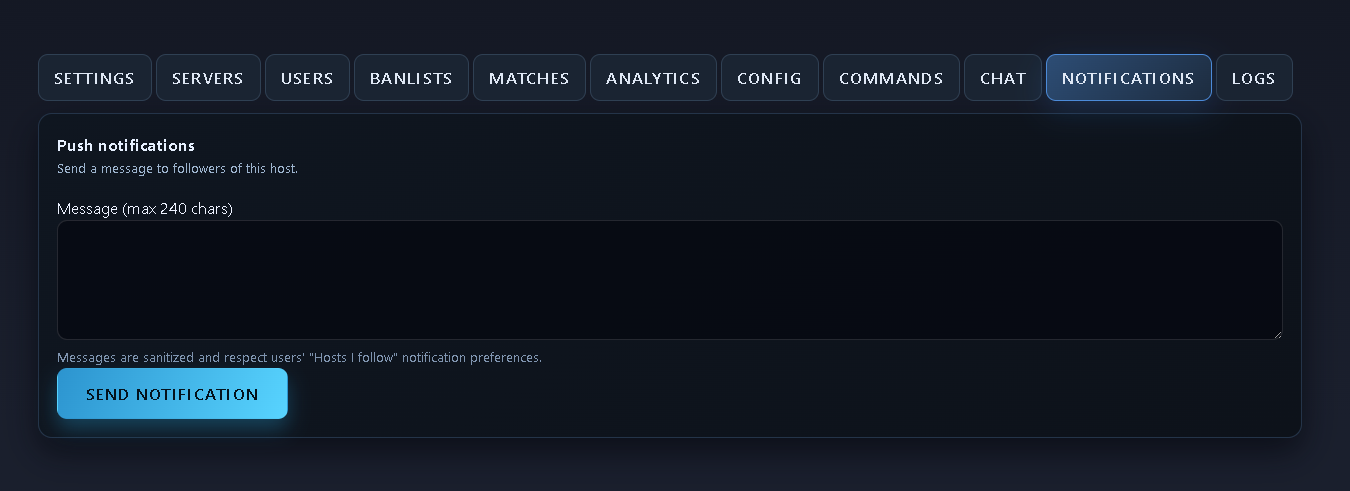
Logs
Review actions taken by your Control Panel privileged users.\